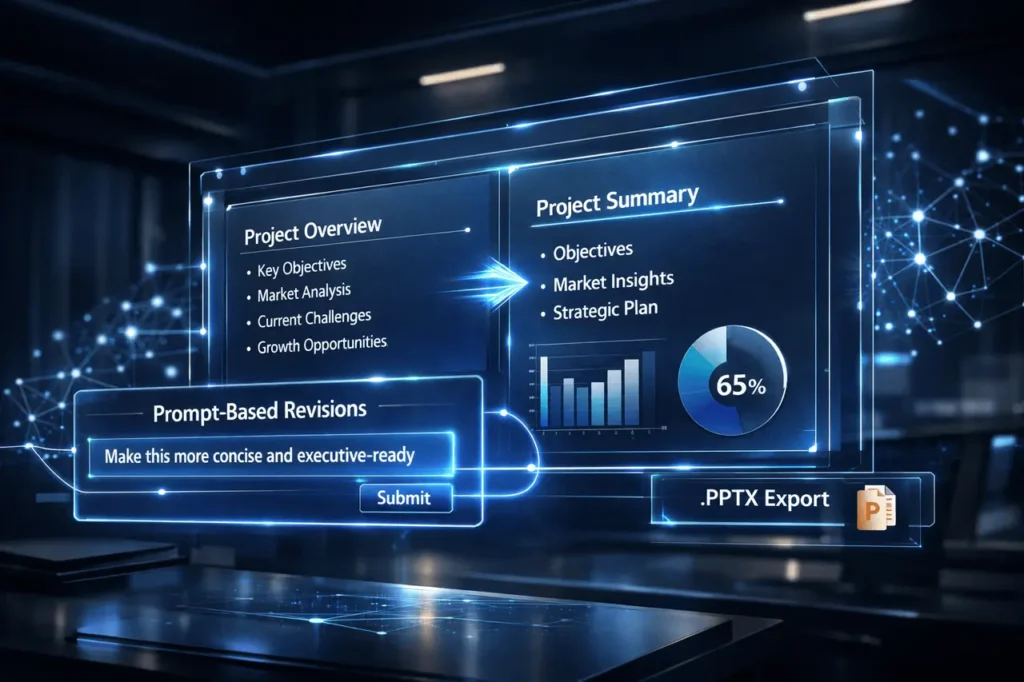
NotebookLM Prompt-Based Revisions are an important change in the creation of documents and slides using AI. This update allows users to modify slides simply by writing down the changes they want in natural language. Additionally, NotebookLM now supports PPTX export, allowing users to import and distribute the presentations they create in a compatible format.
These enhancements speed up content refinement, improve collaboration workflows, and connect AI-generated drafts to professional presentation tools.
What Is NotebookLM?
NotebookLM, an artificial intelligence-powered writing and research assistant, was created to help users synthesize information from their own sources. It allows systematic note-taking, document drafting and summarization, and the creation of content using the user’s own materials.
In contrast to general AI chat platforms, NotebookLM focuses on source-based generation. This means that outputs and responses are directly tied to the documents that users submit, increasing the accuracy of context and relevance.
In conjunction with the addition of Prompt-Based Revisions and Export to PPTX, NotebookLM expands from research and drafting to dynamic editing of presentations.
What Are NotebookLM Prompt-Based Revisions?
NotebookLM Prompt-Based Revisions enable users to modify slide decks simply by typing in instructions like:
- “Make the slide clearer.”
- “Add an angle with data focus.”
- “Convert the language into an executive one.”
- “Turn the bullets into a visual comparison.”
Instead of manually restructuring slides, users can request revisions through a conversation. The AI interprets the message and updates the deck accordingly.
How does it work?
The procedure is simple:
- Create or generate a slide deck in NotebookLM.
- Enter a natural language prompt describing desired changes.
- NotebookLM alters the layout, content structure, or level of emphasis.
- Review and refine as required.
This conversational editing model helps reduce friction in content creation.
PPTX Support in NotebookLM
With support for PPTX, users can now export slide decks to the Microsoft PowerPoint format (.pptx).
The format is:
- Works seamlessly when used in conjunction with Microsoft PowerPoint
- It is Compatible with the majority of presentation software
- Allows online editing, sharing, and publishing
- Supports enterprise workflows
Google Slides export is to follow, further enhancing the cross-platform capabilities.
Why NotebookLM Prompt-Based Revisions Matter?
Manual slide editing is tedious and time-consuming. Even minor adjustments to the tone may be a hassle to reformat several slides.
NotebookLM Prompt-Based Revisions, introduce:
- Faster iteration cycles
- Formatting overhead is reduced.
- More flexible collaboration
- Improved productivity
Instead of writing text manually, users provide specific instructions to the AI.
Traditional Slide Editing vs Prompt-Based Revisions
| Aspect | Traditional Editing | Prompt-Based Revisions |
|---|---|---|
| Editing Method | Manual text changes | Natural language prompts |
| Time Required | Moderate to high | Significantly reduced |
| Iteration Speed | Slower | Rapid |
| Structural Changes | Manual reformatting | AI-assisted restructuring |
| Tone Adjustments | Rewrite manually | Prompt-driven refinement |
This change is an evolution away from editing content directly to controlling outcomes through conversation.
Real-World Applications
NotebookLM Prompt-Based Revisions based on NotebookLM and PPTX export will benefit several users.
1. Business Teams
- Rapid executive brief updates
- Adjusting decks for different stakeholders
- Converting reports with detailed information into summaries
2. Educators
- Converting lecture notes into slides
- simplifying complex subjects for students
- Updating course materials quickly
3. Researchers
- Transforming research summaries into a presentation
- The technical language is being adapted to wider viewers
- Findings that are structured visually
4. Content Creators
- Repurposing long-form content into slide decks
- Tone customization for workshops or webinars.
- Creating pitch-ready presentations faster
Key Benefits of NotebookLM Prompt-Based Revisions
1. Natural Language Control
Users do not have to search through menus of formatting in a jumble. Instructions such as “add further information” and “shorten the section” become executable commands.
2. Improved Workflow Efficiency
Prompt-based editing reduces manual labor, allowing users to focus on strategic content decisions.
3. Presentation-Ready Output
With PPTX export, presentations can be used in classrooms, business meetings, and client presentations.
4. Iterative Refinement
Users can refine their slides:
- Adjust tone
- Add data emphasis
- Change audience targeting
- Simplify explanations
This loop amplifies clarity and accuracy.
Limitations and Practical Considerations
Although it is powerful, there are some practical issues.
1. Prompt Clarity Matters
The quality of changes depends on how well users communicate their intentions. Vague prompts may produce less precise adjustments.
2. Review Is Still Essential
AI-generated edits must be checked to ensure accuracy, particularly in high-risk or technical contexts.
3. Formatting Customization
Customized branding that is advanced or layouts with extremely specific designs might require manual adjustments following export.
Feature Comparison Overview
| Feature | NotebookLM Before Update | With Prompt-Based Revisions & PPTX |
|---|---|---|
| Slide Editing | Static edits | Conversational revision |
| Export Format | Limited options | PPTX download available |
| Workflow Flexibility | Moderate | Enhanced |
| Enterprise Compatibility | Partial | Stronger integration |
This update extends NotebookLM from a research tool to a full tool for assisting with presentation workflows.
How does this impact AI Productivity Tools?
NotebookLM Prompt-Based Revisions demonstrate the broader trend in AI-aided creation:
- Transitioning from the generation phase to dynamic refinement
- Integrating into established ecosystems for productivity
- The bridge between AI outputs and real-world formats for files
In addition to supporting PPTX exports, NotebookLM connects AI workflows directly to enterprise-standard presentation environments.
It helps reduce friction between AI-generated drafts and professional deployment.
Best Practices for Using Prompt-Based Revisions
To maximize results:
- Be specific with prompts (“shorten three bullets” as opposed to “make short”).
- Indicate the audience (“adapt for executives at the C-level”).
- Clarify structure (“convert into a comparison table”).
- Revise and tweak gradually.
Easy-to-follow instructions make for more reliable and effective revisions.
Future of AI-Assisted Presentations
NotebookLM Prompt-Based Revisions mark an advancement towards the use of conversational editing systems. Instead of interfacing through menus and formatting panels, users can now edit content using language.
As export capabilities expand to other formats, AI-aided slide creation could become an integral part of the work.
The combination of research-grounded revision flexibility and format compatibility positions NotebookLM as a much more complete productivity tool.
My Final Thoughts
NotebookLM Prompt-Based Revisions greatly improve how users can create and edit presentations. By using conversational editing and enabling PPTX exports, NotebookLM bridges AI-driven drafting with professional presentation workflows.
These features can reduce manual effort while speeding up iteration. They increase flexibility for educators, teams, and researchers. In the midst of AI tools advancing towards native-language controls and inter-platform integration, NotebookLM stands as an excellent illustration that intelligent technology can simplify knowledge work without compromising usability.
The future of design for presentations is becoming more prompt-driven, which is why NotebookLM is moving strongly in this direction.
FAQs
1. What are NotebookLM Prompt-Based Revisions?
They allow users to alter slides with natural-language prompts, enabling AI-assisted reshaping, tone adjustments, and more.
2. Can I export presentations from NotebookLM as PowerPoint files?
Yes. Exporting to PPTX is now supported, allowing downloads compatible with Microsoft PowerPoint and similar tools.
3. Does NotebookLM support Google Slides export?
PPTX export is available at the moment. Export to Google Slides is scheduled to be available soon.
4. Do prompt-based edits substitute for the manual editing process completely?
No. Although they speed up revisions, users should continue to review their content to ensure accuracy before making final adjustments.
5. Is NotebookLM suitable for professional presentations?
Yes. Thanks to PPTX support and structured slide generation, it is suitable for academic, business, and research-related presentations.
Also Read –
Google NotebookLM Personal Intelligence: What It Means for AI Research Assistants?