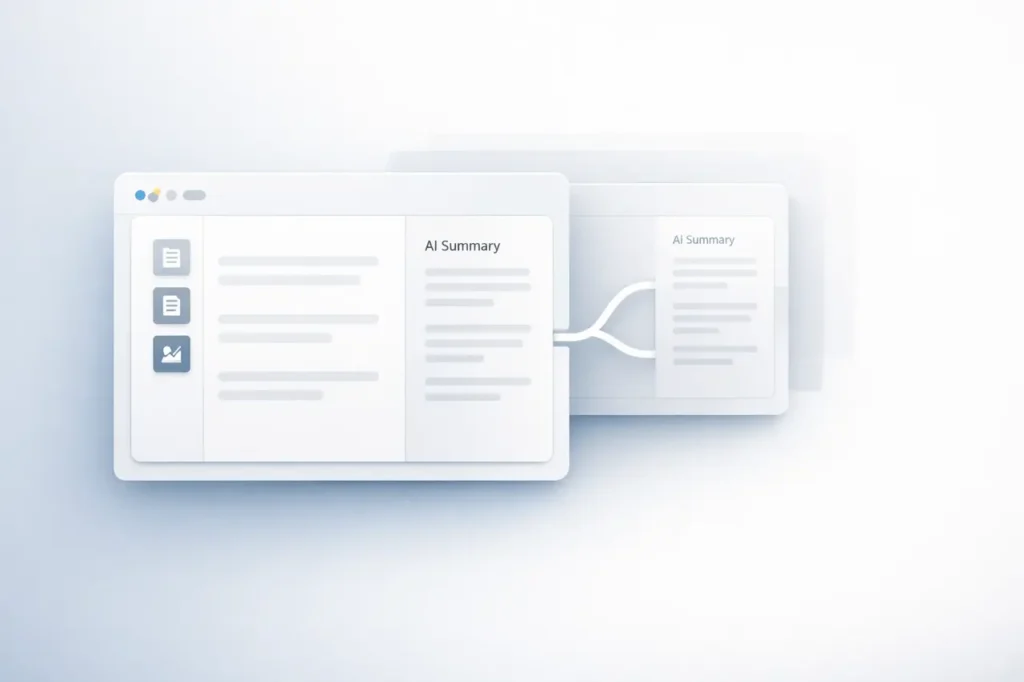
This NotebookLM Remix feature marks a significant advancement in research collaboration AI workflows. It was developed by Google and integrated into NotebookLM. This new capability lets users create and fork existing notebooks.
It’s easy to see why this NotebookLM Remix feature matters: it transforms static, AI-powered notebooks into collaborative, versioned knowledge assets. Instead of beginning from scratch, users can now duplicate, alter, and extend their curated research environments.
This article explains what it is, how it operates, why it is important, and what it can mean for students, researchers, and businesses.
What Is the NotebookLM Remix Feature?
This NotebookLM Remix feature allows users to “fork” an existing notebook and create a new one that preserves the original structure, sources, and AI-generated context.
In practical terms, forking means:
- The copying of a notebook created by a different user
- Documents are preserved, structured, and an AI-generated summary is provided
- Editing or expanding it in its own way
The introduction of collaboration using version control in AI-assisted research.
Why the NotebookLM Remix Feature Matters?
NotebookLM is designed to function as an artificial intelligence-powered research assistant that can work directly with documents supplied by users. It can help you summarize, answer questions, produce study guides, and synthesize information.
Notebooks have been mostly separate workspaces. The Remix feature alters that by allowing:
- Research templates shared by researchers
- Community-driven knowledge builds
- Quicker onboarding of complicated subjects
- Refinement of sources curated by the user iteratively
This shift brings NotebookLM closer to collaborative knowledge platforms while keeping its AI-based capabilities.
How does the NotebookLM Remix Feature work?
1. Source-Based Foundation
NotebookLM is a software that works using linked or uploaded documents. This could include:
- PDFs
- Google Docs
- Research papers
- Notes
The AI examines only the sources and bases its responses on the material that the user selects.
2. Forking a Notebook
Through the Remix Remix option, the user can:
- Access notebooks shared by others
- Create a forked copy
- Modify documents or create new ones
- Customize AI outputs and prompts
The notebook fork is an autonomous workspace.
3. Independent Iteration
Once forked:
- The changes do not impact the original
- Users can restructure content
- Additional sources can be added
- AI summary updates are generated according to new inputs
It preserves the notebook’s authenticity while allowing experimentation.
Traditional Workflow vs NotebookLM Remix
| Traditional Research Workflow | NotebookLM with Remix |
|---|---|
| Start from scratch each time | Fork an existing notebook |
| Manual document reorganization | Pre-structured AI-assisted workspace |
| Limited version tracking | Independent forks for iteration |
| Static research documents | Dynamic AI-driven synthesis |
The Remix feature helps reduce setup friction and promotes refinement through collaboration.
Core Benefits of the NotebookLM Remix Feature
Faster Knowledge Building
Instead of organizing and uploading documents in a series of steps, users can begin with an established foundation.
Collaborative Learning
Teams and educators can share notebooks in a structured format that other users can extend or alter.
Scalable Research Templates
Companies can design standardized research frameworks that employees can use for certain projects.
Reduced Redundancy
Common topics for foundational purposes no longer require a recurrent setup.
Real-World Use Cases
Academic Research
Students can download an instructor’s recommended reading list and make their own study guides.
Enterprise Knowledge Management
Companies can build base notebooks that can be used for:
- Product documentation
- Compliance frameworks
- Market research
Teams can then modify and fork them to meet departmental or regional needs.
Content and Analysis Workflows
Analysts and writers can duplicate research notebooks on topics and then refine the notebooks for:
- Industry reports
- Whitepapers
- Analysis of policy
Use Cases by Industry
| Industry | How Remix Helps | Example Application |
|---|---|---|
| Education | Shared study notebooks | Course-based research packs |
| Technology | Product documentation forks | Feature comparison research |
| Legal | Case law analysis templates | Jurisdiction-specific forks |
| Finance | Regulatory research frameworks | Market-specific analysis |
| Media | Topic research hubs | Deep-dive investigative notebooks |
Secondary Keywords Integrated
- AI research assistant
- Collaborative AI tools
- AI-powered knowledge management
- Forkable notebooks
- AI document analysis
These related concepts strengthen the larger ecosystem within which it operates. NotebookLM Remix feature operates.
Practical Considerations
Access and Sharing Controls
Collaboration requires the right sharing settings. Organizations must define:
- Who can use notebooks to fork?
- What kinds of documents can be shared
- Data Governance rules
Source Sensitivity
Because NotebookLM is based on user-uploaded documents, the policies for sensitive data must be clarified before sharing is permitted.
Version Fragmentation
Multiple forks may create divergent versions. Teams must adopt naming conventions or standards for documentation.
Limitations and Challenges
Although extremely effective, but not as powerful, this NotebookLM Remix feature may present:
- Content duplication across forks
- Reduced central control over updates
- Dependency on source quality
If the notebook has biased or incomplete sources, Forks inherit those limitations.
Thus, the quality of curation remains crucial.
How Does the Remix Feature Strengthen NotebookLM’s Position?
NotebookLM is already distinct from other AI chat tools since it bases its responses on documents provided by the user.
Remix: The remix feature improves this feature by:
- Making notebooks into knowledge objects that can be reused
- Supporting iterative refinement
- Enabling structured collaboration
It aligns with broader developments in AI-assisted workflows, where modular, versioned knowledge systems replace static documents.
My Final Thoughts
This NotebookLM Remix feature helps AI-powered research in isolated workspaces into multi-disciplinary, modular knowledge systems that can be reused.
By allowing users to build on existing notebooks, NotebookLM supports scalable research workflows, structured collaboration, and iterative refinement of knowledge.
While AI-powered Knowledge Management continues to evolve and advance, features such as Remix suggest a move towards modular, version-controlled research environments, making curated knowledge an initial point of departure rather than an ongoing effort.
For educators, researchers, and enterprises alike, the NotebookLM Remix feature represents an important leap forward in AI collaboration.
FAQs About the NotebookLM Remix Feature
1. What does “forking” a notebook mean in NotebookLM?
Forking is the process of creating duplicates of your existing notebook that you can edit independently without altering your original.
2. Changes to a forked notebook impact the original notebook?
No. After being forked, the notebook runs independently. Edits are not synced back to the original notebook.
3. Does the Remix feature copy all documents as well as AI summaries?
Yes. The fork contains the original structure and materials, allowing the AI to generate summaries as needed.
4. Does this feature of NotebookLM Remix help teams?
Yes. It lets teams share research bases while also permitting individualization and customization.
5. Are businesses able to utilize Remix to manage knowledge?
Organizations can develop standard research templates and allow departments to make use of them in specific instances.
6. Does NotebookLM produce answers other than the documents that are uploaded?
No. NotebookLM’s responses are rooted in the files added to NotebookLM, which increases the credibility of the research.
Also Read –