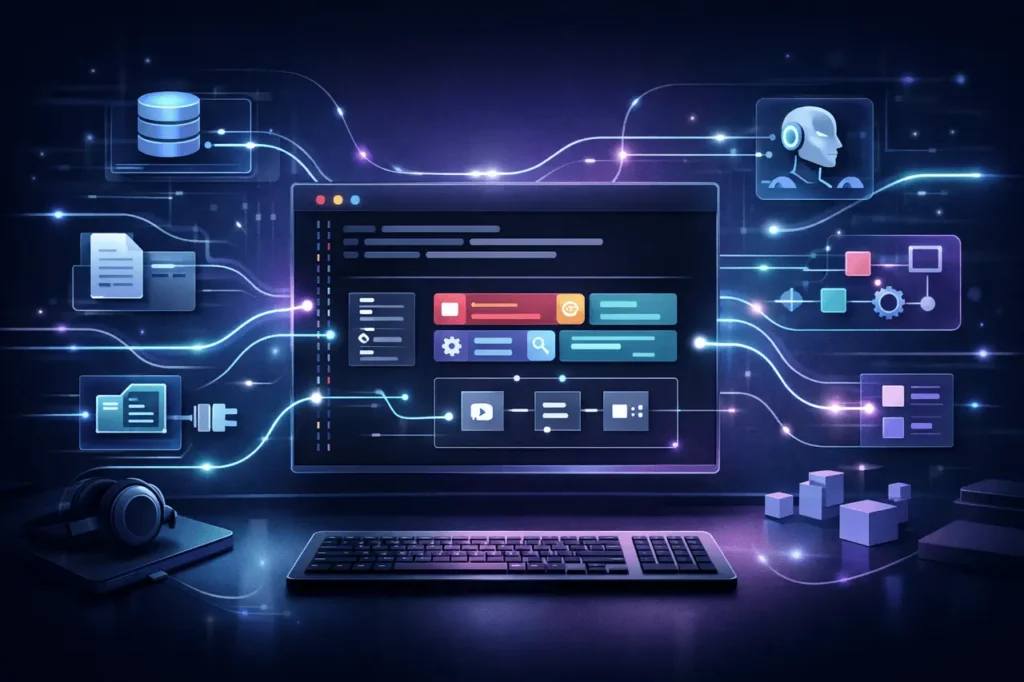
Gemini CLI Extensions are becoming an effective customization tool for programmers who want to create AI-assisted workflows in the terminal. With the support of Agent Skills and Hooks, these extensions provide greater automation, better task execution, and seamless integration with other services. This article explains what Gemini CLI extensions are, why Agent Skills and Hooks matter, and the best way for teams to leverage the extensions to their advantage in real-world development environments.
What Are Gemini CLI Extensions?
Gemini CLI extensions expand the capabilities of the Gemini command-line interface provided by Google. Developers can bundle reused functionality that improves how the CLI interprets context, performs tasks, and communicates with systems beyond terminals.
At a high level, Gemini CLI extensions may contain:
- Agent Skills for task-specific intelligence
- Hooks for event-driven automation
- Servers of MCP for service and tool integration
- Context files to keep project information
- Custom commands for repeatable workflows
The modular design lets teams standardize AI-assisted tasks across projects while remaining open to change.
Why Agent Skills and Hooks Matter?
Traditional CLI tools operate reactively; that is, they execute commands whenever they are called. Gemini CLI extensions that incorporate Agent Skills and Hooks introduce the concept of proactive and contextual behavior.
The main reasons why they are essential:
- Reduced manual steps in complex workflows
- Consistent automation across environments
- Intelligent AI-based behaviors tailored specifically to domains
- Improved developer productivity in daily tasks
By integrating intelligence and triggers directly in extensions, teams can go from one-off command to continuous, contextually aware automation.
Understanding Agent Skills
What Are Agent Skills?
Agent Skills are reusable capability modules that define the capabilities an AI agent can perform within the Gemini CLI. They define domain-specific actions such as code analysis, documentation generation, infrastructure checks, and API interaction.
Instead of starting the AI by starting from scratch each time, it is possible to use Agent Skills, which provide pre-configured, structured capabilities that can be activated repeatedly.
How Agent Skills Work?
Agent Skills typically comprise:
- Definitions of tasks and limitations
- Expectations for output and input
- The rules of context-awareness
- Error-handling logic
When installed alongside Gemini CLI extensions, these capabilities enable the agent to perform complex actions with ease without having to set up the system again.
Everyday Use Cases for Agent Skills
- Code review assistance in repositories
- Automatic test generation, or validation
- Infrastructure configuration analysis
- Transformation of data and tasks for validation
What Are Hooks in Gemini CLI Extensions?
Defining Hooks
Hooks are triggers that automatically execute actions when certain conditions are met. When used in conjunction with Gemini CLI extensions, Hooks enable developers to execute Agent Skills or commands at specified times.
Examples include:
- Before or after the command executes
- When files are changed in a project
- During CI or deployment steps
Hooks turn the Gemini CLI from an inactive tool into an active participant in workflows.
Benefits of Using Hooks
- Requires best practices automatically
- Reduces human error
- It saves time on repeat checks
- Ensures consistent execution standards
Feature Overview: What Extensions Can Bundle
This table summarizes the features that can be added to modern Gemini CLI extensions and their practical use.
Feature Comparison Table
| Component | Purpose | Practical Benefit |
|---|---|---|
| Agent Skills | Define AI capabilities and tasks | Smarter automation |
| Hooks | Trigger actions on events | Hands-free workflows |
| MCP Servers | Connect external tools and services | Broader integration |
| Context Files | Persist project-specific knowledge | Better AI accuracy |
| Custom Commands | Create reusable CLI commands | Faster execution |
How Gemini CLI Extensions Work Together
The true advantage of the Gemini CLI extension stems from the combination of these two components.
The typical stream could appear to be:
- A developer executes an individual command.
- A Hook triggers before execution.
- Agent Skill analyzes the project’s context.
- An MCP server fetches external data.
- Results are delivered in an organized format.
This layering design enables sophisticated workflows without adding cognitive load for users.
Real-World Applications
Software Development Teams
- Automatic checking of code quality and linting
- Context-aware documentation updates
- Intelligent dependency analysis
DevOps and Platform Engineering
- Pre-deployment validation Hooks
- Infrastructure drift detection
- Automated incident diagnosis
Data and ML Workflows
- Dataset validation before training
- Experiment tracking via MCP servers
- Reproducible data transformation pipelines
Advantages vs Limitations
Advantages
- Very customizable and flexible
- Encourages reuse of best practices
- Scales well across projects and teams.
- Reduces repetitive prompting
Limitations and Challenges
- It is a complex design requirement to avoid excessive automation
- Initial setup may be complicated for extensions with large amounts
- Debugging Hooks may require careful logging
- Skill definitions need to be kept up to date as projects develop
Practical Considerations Before Adoption
Before implementing Gemini CLI extensions with Agent Skills and Hooks, teams need to be thinking about:
- Governance: Who is responsible for sharing extensions.
- Security: Check that the MCP servers and Hooks are accessible.
- Documentation Should: It is easy to identify triggers and skills.
- Versioning: Take control of changes to ensure that workflows are not disrupted.
Consider extensions to components of production software, not ad hoc scripts.
My Final Thoughts
Gemini CLI extensions are an essential improvement in AI-assisted design tools. Through their support for Agent Skills and Hooks, they provide intelligent, event-driven workflows that can reduce manual work and improve workflow consistency. If designed with care, the extensions can become an automated layer shared by all that changes with the demands of projects. Since command-line interfaces continue to provide the foundation for development productivity, Gemini CLI extensions play an important role in how people interact with AI in everyday tasks.
FAQs About Gemini CLI Extensions
1. What exactly are Gemini CLI extensions used for?
The Gemini CLI extension can be used to modify and automate AI workflows in the terminal using Agent Skills Hooks, Agent Skills, and integrations.
2. How does Agent Skills differ from prompts?
Agent Skills are reusable, structured capabilities, while prompts are ad hoc, in-the-moment instructions. Skills are reliable and consistent.
3. Do Hooks have to be included for Gemini CLI extensions?
No. Hooks are not required, but they can be helpful for event-driven automation. Extensions are compatible with Agent Skills or commands.
4. Are there ways to integrate Gemini CLI extensions work with external tools?
Yes. MCP servers in extensions permit secure integration with systems and external services.
5. Can Gemini CLI extensions be suitable for Enterprise teams?
Yes. If they are properly managed and have security controls, they can scale effectively across large teams and complex environments.
Also Read –